Guests
Join a show from any browser.
Streamix hosts share a link or a room code. Paste the code here and we build the exact invite against the live guest broker — nothing to install, no account.
Checking the guest broker…
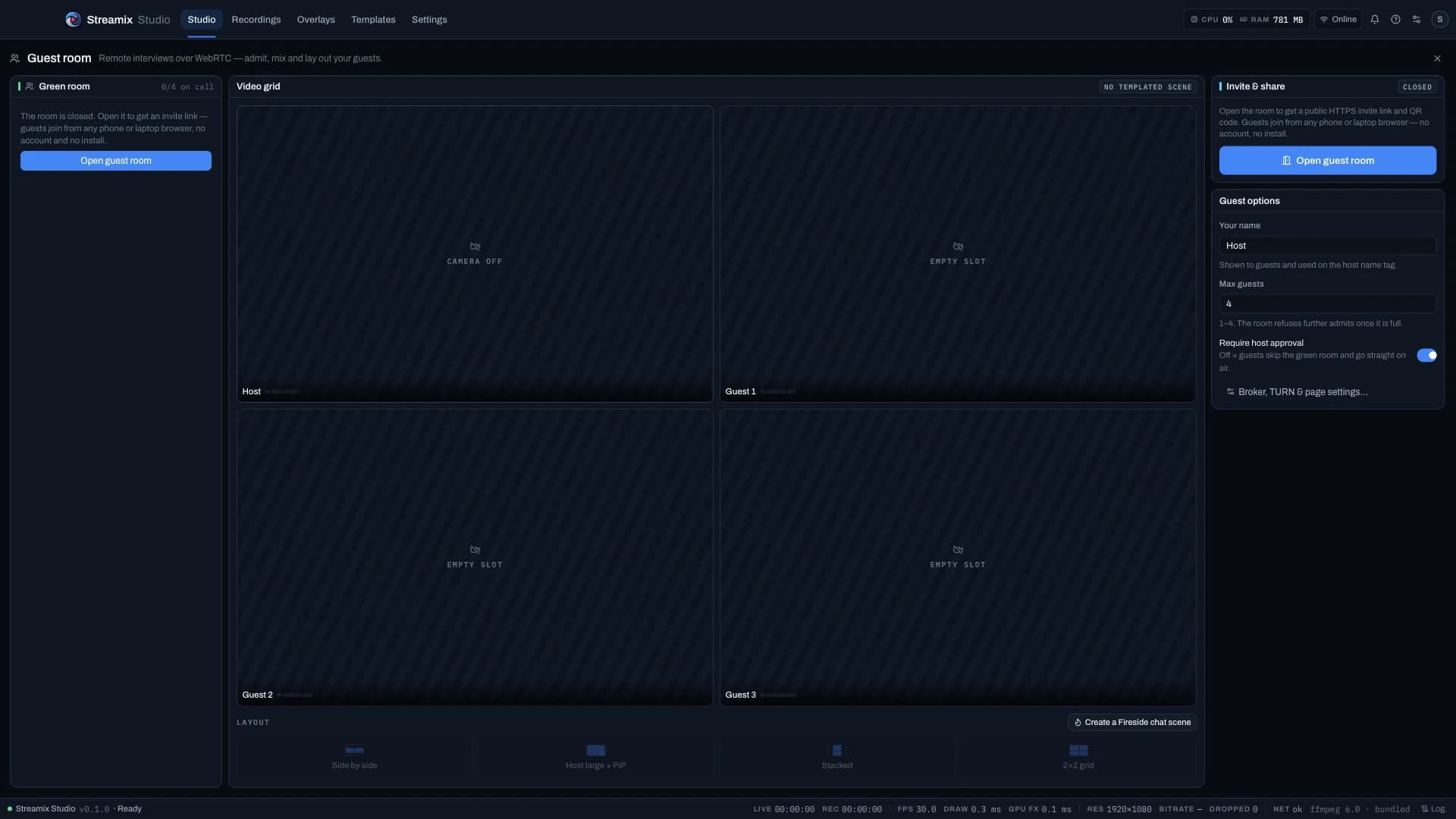
The room id and broker travel in the URL fragment, so the static guest page never sees them. Hosts: Guests panel → Open guest room → Copy link gives guests the exact link with the current broker.
- 01Ask the host for the invite link or the room code (it looks like streamix-a1b2c3d4).
- 02Open it in Safari, Chrome or Edge — on a phone, a laptop or a tablet. Allow camera and microphone.
- 03Check your preview, pick devices, type a display name and press Join.
- 04Wait in the green room until the host admits you. When the badge says ON AIR, you are in the show.
- 05You hear the program mix minus your own voice, so no headphones are required.